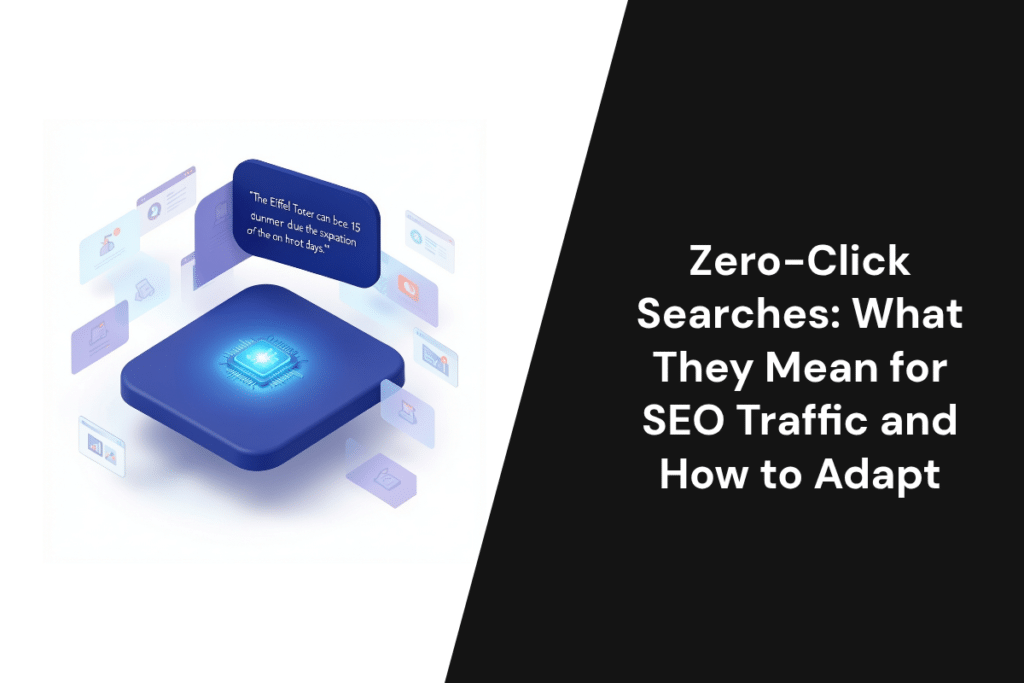
Zero-Click Searches: What They Mean for SEO Traffic and How to Adapt
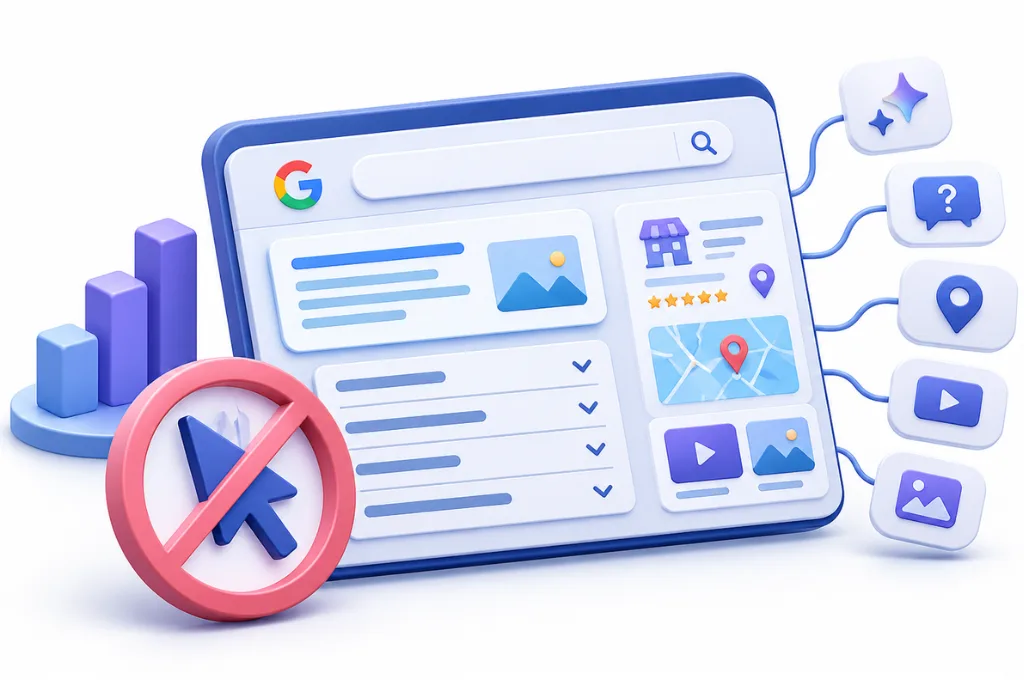
A zero-click search is a search that ends without a click to any website. Google answers the query on the results page through an AI Overview, featured snippet, knowledge panel, local pack or instant answer. Recent studies put the share at about 47% to 68% of Google searches, so rankings can hold while clicks fall.
What are zero-click searches?
A zero-click search happens when someone searches, reads the answer on the results page and leaves without visiting a site. They might search again, close the tab or call a business straight from Google. The sites shown still get an impression, but none of them gets a visit.
Search “weather in Dubai” and the answer sits at the top of the page, with nothing left to click. A broader question may bring an AI Overview instead, where some people stop and others click a cited link.
Our guide on how search engines understand search queries explains how Google reads what you typed. Zero-click is what happens when Google answers it directly.
How many searches end without a click, and why the numbers disagree
Recent studies range from about 47% to 68% of Google searches, depending on whose data you use. They measure different devices, countries, panels and time periods. We found no published study that covers the UAE (checked November 2026).
|
Study |
Headline figure |
What it measured |
|
SparkToro, 8 Jun 2026 |
68.01% of US Google searches ended without a click (Jan to Apr 2026), up from 60.45% in 2024 |
Similarweb panel, US only, Google app excluded |
|
iPullRank, 30 Jul 2026 |
46.96% of the 10.2 billion searches analysed ended without a click |
Datos panel, Oct 2024 to Dec 2025, 14 markets, 94.5% desktop |
|
Pew Research Center, 22 Jul 2025 |
Users clicked a traditional result on 8% of visits with an AI summary vs 15% without one |
900 US adults, browsing data from Mar 2025 |
|
Bain, 19 Feb 2025 |
About 80% of consumers rely on zero-click results in at least 40% of their searches |
Bain and Dynata survey, Dec 2024, 1,117 people |
Why the gap is so wide
Device. iPullRank’s panel is 94.5% desktop, and its UK data shows 65% zero-click on mobile vs 46% on desktop. A mostly desktop panel is therefore likely to report a lower rate.
Country. iPullRank found US searches at 49%, with a range from about 41% in Japan to 54% in the Philippines. A US-only study tells you little about other markets.
What gets counted. SparkToro excludes the Google app, so the real rate is likely higher than 68.01%. Pew measured how often people clicked, not what share of searches ended without one.
Time period and panel. SparkToro covers January to April 2026, while iPullRank’s data runs from October 2024 to December 2025. They also use different panels, Similarweb and Datos, which recruit different users.
So when someone quotes “60% of searches end without a click”, ask which study, country and device. A large and growing share of searches never sends a visit, but your own Search Console data is the only number that applies to you.
What causes zero-click results?
Zero-click results happen because Google now answers many queries on the results page itself. The main causes are AI Overviews and AI Mode, featured snippets, knowledge panels, local packs, People Also Ask and instant answers such as calculators.
- AI Overviews. A generated summary at the top of the page, built from several sources. Our guide to how Google AI Overviews work and who gets cited covers how sources are chosen.
- AI Mode. A chat-style search with follow-up questions. Google said at I/O 2026 that AI Mode has passed one billion monthly users.
- Featured snippets. A short extract from one page above the regular results.
- Knowledge panels. Facts about a brand, person or place in a box.
- Local packs. A map with three businesses and call and directions buttons.
- People Also Ask. Related questions that expand into short answers.
- Instant answers. Weather, scores, conversions and calculations.
Each of these is a SERP feature. Our post on how Google ranks and displays results and SERP features explains how Google picks which ones to show.
How much AI Overviews cut clicks
SparkToro reports that AI Overviews appear on 20% or more of searches and cut CTR by nearly 60% when present. Ahrefs studied 300,000 keywords, comparing desktop Search Console CTR in December 2023 and December 2025. It found AI Overviews correlate with a 58% lower average CTR for the top-ranking page.
AI Mode is still small as a share of searches: in SparkToro’s panel, only 0.34% of searches went to it. Google says clicks from AI features are “higher quality”. That is Google’s claim, so test it against your own conversion data.
Which queries go zero-click and which still send clicks?
Short factual queries tend to go zero-click, because the answer fits in one line. Queries that need a decision, a comparison, a tool or a purchase usually still send clicks, because the results page cannot finish the job.
The table below is a typical pattern from our own work, not a measured rate. It follows search intent, which our guide to the types of search intent explains in full.
|
Query type |
Example |
Likely outcome |
|
Fact or definition |
what is a zero click search |
Mostly zero-click. The answer fits in an AI Overview or snippet |
|
Quick calculation |
500 AED to USD |
Zero-click. An instant answer handles it |
|
Local |
dentist near JLT |
No visit to your site, but often a call or directions request |
|
Navigational |
your bank’s login page |
A click, but to the brand’s own site |
|
Long how-to |
how to set up GA4 for an online store |
Clicks still happen when the steps are long |
|
Comparison |
best CRM for small business in Dubai |
Clicks, because people want detail before they decide |
|
Transactional |
buy office chair Dubai |
Clicks to shopping results, product pages and ads |
What zero-click means for SEO traffic
Zero-click means your rankings can stay the same while your clicks drop. In Search Console, impressions rise or stay flat, average position holds and CTR falls, because the results page answers more of the question.
Bain estimated this shift cuts organic web traffic by 15% to 25%. That is a survey-based estimate, not a measurement of any site. Your own loss depends on your query mix.
Zero-click loss or a real ranking problem?
Before you blame zero-click, run three checks. Compare the last 3 months with the same period a year earlier in Search Console. Confirm that average position for the affected queries held steady. Then search those queries and see whether a new AI Overview, snippet or pack now sits above you.
If position fell, you have a ranking problem, not a zero-click one. If position held and the results page changed, zero-click is the likely cause.
Should you still publish informational content?
Yes, but choose topics with care. Cutting all informational posts removes the pages that earn impressions, brand searches and citations in AI answers. Keep the topics where your answer needs depth, data or a tool, and drop the ones where a one-line answer is the whole value.
How to check your own zero-click exposure in Google Search Console
Look for queries with high impressions, a top 5 average position and a CTR far below what your own site earns at that position. Those are your likely zero-click queries. A quick check of the live results page then confirms the cause.
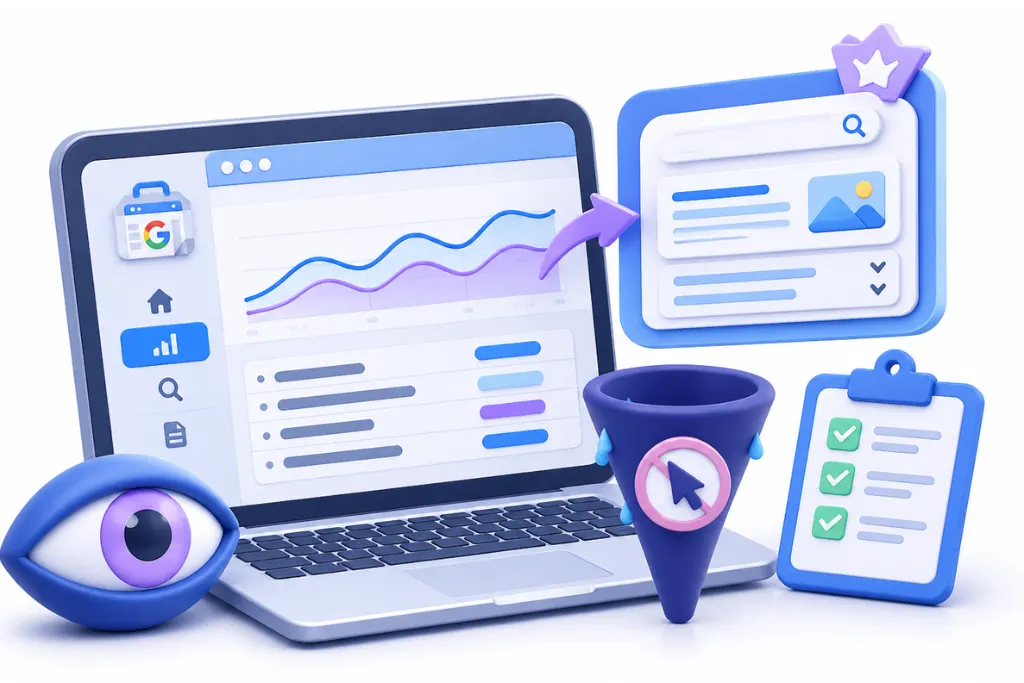
- Open Search Console and go to Performance, then Search results.
- Turn on all four metrics: clicks, impressions, CTR and average position.
- Set the date range to the last 3 months.
- Open the Queries tab and sort by impressions, highest first.
- Note your site’s typical CTR for positions 1 to 5, then flag queries in that range with a CTR far below it.
- Click a query, then open the Pages tab to see which URL ranks for it.
- Search the query yourself and note what sits above or beside your result.
AI feature traffic is already in this report. Google says AI Overviews and AI Mode traffic is included in the Performance report under the Web search type.
Our own worked example
We ran this check on octopusmarketing.agency for 21 Aug to 19 Nov 2026. The query “identity grid” brought our post on brand grid systems 71,071 impressions and 0 clicks. CTR was 0% at an average position of 3.3.
Step 7 explained it. When we searched Google UAE on 22 Nov 2026, the first result was a design studio called Identity Grid Studios, followed by Instagram, our post and Pinterest. Most searchers were looking for that studio or for visual examples, not for an article on grid systems.
So this is not only a case of Google answering on the page. It is also an intent mismatch, which is why the live check matters before you rewrite anything. We judge this query on visibility and do not expect clicks from it.
Build your own zero-click sheet
Export the Queries table into a spreadsheet with these columns: query, page, impressions, clicks, average position, CTR and what you saw on the results page. Add a final column for your decision, using the triage below. Review it once a quarter.
Decide query by query: chase, own, reformat, limit or leave
Not every zero-click query needs fixing. Some are worth chasing for clicks, some are worth owning for visibility, and some need a format that still makes people visit. A few call for snippet controls, and some are best left alone.
|
Decision |
When it fits |
What to do |
|
Chase the click |
Commercial, comparison and long how-to queries |
Add depth a summary cannot hold and sharpen the title and opening |
|
Own the answer |
Definitions and facts close to what you sell |
Write a clear 40 to 60 word answer and count impressions and brand searches as the win |
|
Change the format |
Topics where a plain answer is easy to lift |
Build something people use, such as a calculator, checklist or comparison table |
|
Limit the snippet |
Paid content, or pages where the snippet gives away the whole value |
Consider max-snippet or data-nosnippet and accept the lost visibility |
|
Leave it |
Queries where searchers want another brand or a different thing, like our “identity grid” example |
Keep the page live, track impressions and stop judging it on CTR |
How to adapt your content for zero-click searches
Write so that Google can quote you, then give readers a reason to keep going. That means a direct answer near the top, depth the summary cannot replace, and original data, tools and templates that only work on your page.
Answer first
Put a 40 to 60 word answer under the main heading and a two to three sentence answer under each H2. That length is a writing convention that makes quoting easy, not a Google rule. Google’s AI features documentation says there are no additional requirements to appear in AI Overviews or AI Mode, and no special schema is needed.
Go deeper than the answer
The summary covers the “what”. Your page should cover the “how”, with worked examples, local context, price ranges and detailed steps that are hard to squeeze into a few lines.
This article is an example. The definition at the top could be lifted into any summary, but the Search Console steps, our own query data and the decision table only work on the page. Original data, screenshots, calculators and templates give readers a reason to click.
If you want help structuring pages this way, see our answer engine optimisation service. For the wider shift, read our piece on search engine evolution from traditional SEO to AI-powered discovery.
Zero-click for UAE businesses
We found no study that measures zero-click searches in the UAE, so treat any UAE figure you see with caution. Zero-click features do appear on Google UAE, and for local businesses many valuable zero-click actions happen inside Google Business Profile.
What we know and what we do not
iPullRank covers 14 markets with no UAE data, and SparkToro covers the US only. When we checked Google UAE on 15 Nov 2026, “zero click searches” showed an AI Overview at the top, then People Also Ask. Your own Search Console data is the best UAE number you will get.
Local zero-click is often a conversion
For a clinic, restaurant or real estate office in Dubai or Abu Dhabi, a zero-click search can end in a call or a directions request from your Business Profile. If you add a WhatsApp or booking link, those taps can turn into leads too. That is a lead even though your website never loaded, so count it as one.
Our guide to Google Business Profile optimisation for UAE businesses covers the setup. Our local SEO services handle profiles, reviews and local pack work for UAE brands.
Arabic and English answers
Many UAE businesses serve customers who search in Arabic and English. A person may search “dentist in Dubai Marina” one day and the Arabic equivalent the next, and each search gets its own results page. We have no Arabic zero-click data, so check both versions of your main queries in Search Console. If your site is bilingual, give each language its own URL and its own clear answer block, rather than a translated page with no direct answer at the top.
Snippet controls: when nosnippet or max-snippet makes sense
Google lets you limit how much of a page it shows. The nosnippet, max-snippet and data-nosnippet controls also limit how your content is used in AI Overviews and AI Mode. They protect content but cost visibility, so most sites should not use them.
- nosnippet. Stops Google showing a text snippet or video preview for the page. Google says it applies to all forms of search results and stops the content being used as direct input for AI Overviews and AI Mode.
- max-snippet. Sets the maximum number of characters Google can show. A value of 0 equals nosnippet, and -1 lets Google choose. It also limits how much content can feed AI Overviews and AI Mode.
- data-nosnippet. An HTML attribute that hides part of a page from snippets. It works only on span, div and section elements.
Google’s AI features documentation lists these controls, plus noindex, as the ways to manage how content appears in AI features. max-snippet does not apply to structured data used for rich results, so it will not remove those.
The cost is visibility. With nosnippet, your normal blue link loses its text description too, which can lower clicks on every query, not just zero-click ones. Keep these controls for paid content, gated research or pages where the snippet gives away the whole value.
How to measure value without the visit
Track what zero-click searches still produce: impressions, branded searches, Business Profile actions, assisted conversions and AI citations. Put them in one monthly view next to clicks and sessions, so a fall in clicks is read in context.

- Impressions by query group. From the Search Console Queries tab. Rising impressions on answer queries mean more exposure, though not proof anyone read your result.
- CTR by position. From the same report. Flag queries where CTR falls but position holds.
- Branded search. Filter Search Console queries for your brand name. People who see you in answers may search your name later.
- Business Profile actions. Calls and directions requests from your Business Profile performance view.
- Assisted conversions. In GA4, check whether organic search appears earlier in the path to a lead.
- AI citations. Check by hand whether AI Overviews cite you for your main queries.
Our guide on how to measure SEO performance covers the reports behind each of these.
Where informational content still wins
Informational content can still win clicks when the answer needs depth, tools or trust. Health, legal, finance and technical topics often fall here, because people want the full explanation before they act.
Some queries will never send much traffic again. Report those pages on impressions and branded search, and put new effort into topics where a visit adds value.
Where to start
Start with the Search Console check above, because it shows how much of your traffic zero-click actually touches. Then sort your top queries with the decision table before you change any budget.
If you want to know which of your queries are zero-click before you change budgets, our SEO audit and diagnostics service can map which of your queries are zero-click.
FAQ
A zero click search is a search that ends without the user clicking through to any website. Google answers the query on the results page with an AI Overview, featured snippet, knowledge panel, local pack or instant answer.
It depends on the study. SparkToro found 68.01% of US Google searches ended without a click from January to April 2026, while iPullRank found 46.96% across 10.2 billion searches in 14 markets. The gap comes from device, country and panel differences.
Studies published in 2025 and 2026 put it between about 47% and 68% of Google searches. We found no study that covers the UAE, so your own Search Console data is the best guide for a UAE site.
Find your zero-click queries in Search Console, then decide for each one whether to chase the click, own the answer or change the format. Put a short direct answer near the top of each page and add depth, data and tools a summary cannot replace.
A zero click strategy treats visibility on the results page as a goal in its own right. It means writing answers Google can quote and measuring impressions, branded searches and profile actions alongside clicks.
Zero click AI search is when an AI answer, such as an AI Overview or AI Mode, resolves the question without a site visit. Pew found users clicked a traditional result on 8% of visits with an AI summary, compared with 15% without one.
SEO is evolving, not dead. Pages still need to be indexed, relevant and trusted to appear in results and AI answers, even when fewer people click. What changes is how you measure success.
Neither is better in every case. Ads buy placement on commercial queries straight away, which helps where organic clicks are shrinking. SEO builds visibility without paying for each click, including in AI answers that ads do not reach.
Sources
- SparkToro: In 2026, Less than One Third of Google Searches Still Send a Click
- iPullRank: What 13 Billion Google Searches Reveal About Zero-Click Behavior
- Pew Research Center: Google users are less likely to click on links when an AI summary appears
- Ahrefs: AI Overviews reduce clicks update
- Bain & Company: Goodbye Clicks, Hello AI: Zero-Click Search Redefines Marketing
- Google Search Central: AI features and your website
- Google Search Central: Robots meta tag, data-nosnippet and X-Robots-Tag specifications
- Google: Search announcements from I/O 2026