Log file analysis for SEO means reading your server’s access logs to see every request Googlebot actually made: which URLs, how often, and what status code…
Digital Content Executive
Anita holds a Master’s in Engineering and blends analytical skills with digital strategy. With a passion for SEO and content marketing, she helps brands grow organically. Her blogs reflect a unique mix of tech expertise and marketing insight
Email : anita {@} octopusmarketing.agency
Follow : in
Digital Content Executive
Anita holds a Master’s in Engineering and blends analytical skills with digital strategy. With a passion for SEO and content marketing, she helps brands grow organically. Her blogs reflect a unique mix of tech expertise and marketing insight
Email : anita {@} octopusmarketing.agency
Follow : in
Log file analysis for SEO means reading your server’s access logs to see every request Googlebot actually made: which URLs, how often, and what status code…
A crawlability audit checks whether Googlebot can reach, fetch and follow every important page on your site. Test robots.txt and firewall rules, status…
URL parameters are the key=value pairs after the ? in a URL, used for tracking, sorting, filtering, pagination and sessions. Each combination is a separate…
The Page indexing report (Indexing > Pages in Google Search Console) shows which of your URLs Google has indexed and gives a reason for every page it has…
A redirect sends users and search engines from an old URL to a new one. For SEO, use a 301 or 308 for permanent moves, which Google treats as a strong…
A canonical tag is a line of HTML in a page’s head section. It tells Google which URL is the main version when several URLs show the same or very similar…
A robots.txt file is a plain text file at the root of a website, such as example.com/robots.txt. It tells search engine crawlers which URL paths they may…
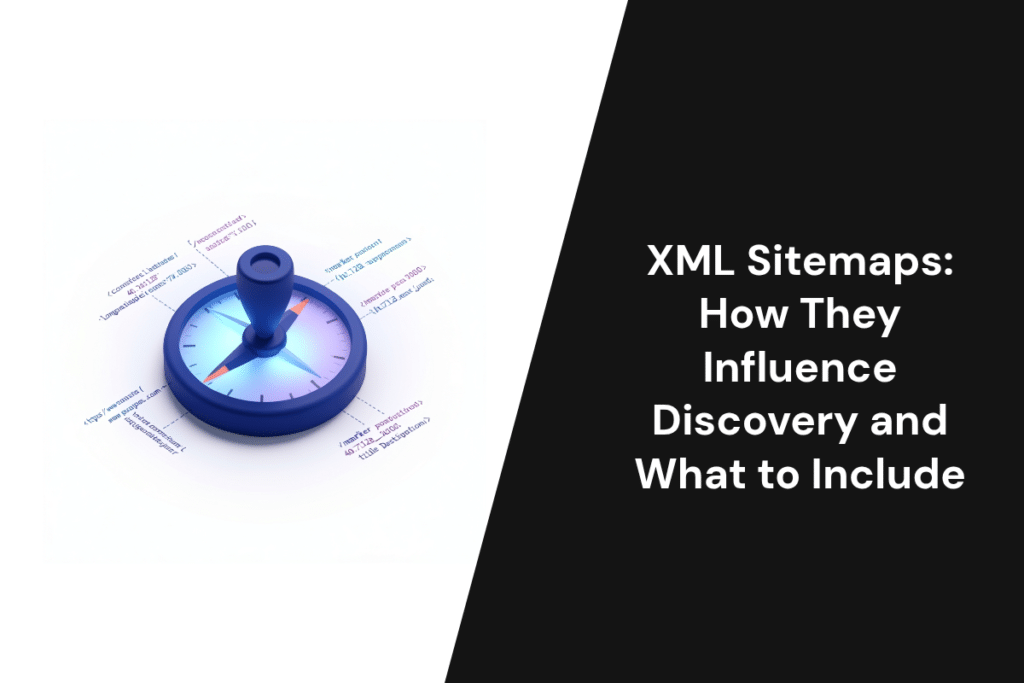
An XML sitemap is a file that lists the canonical, indexable URLs you want search engines to find, with an optional lastmod date for each. It helps Google…
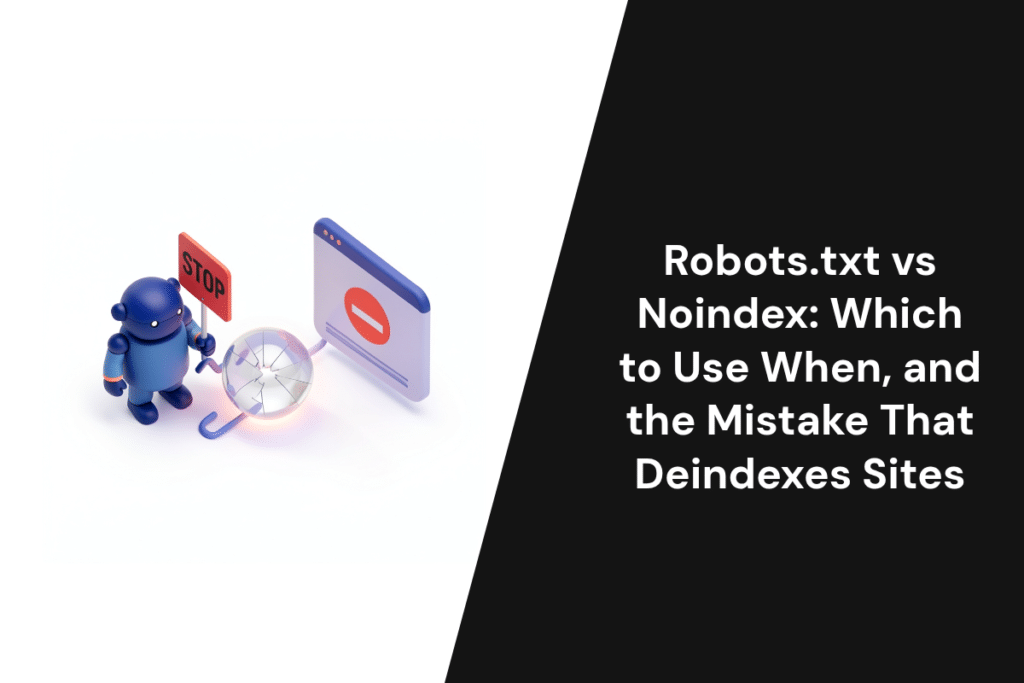
Robots.txt controls crawling: it tells search engine bots which URLs they may fetch. Noindex controls indexing: it tells Google not to show a page in…