To get a new page indexed, first make sure Google can index it: a 200 status, no noindex tag, no robots.txt block and a self-referencing canonical. Then…

Digital Content Executive
Anita holds a Master’s in Engineering and blends analytical skills with digital strategy. With a passion for SEO and content marketing, she helps brands grow organically. Her blogs reflect a unique mix of tech expertise and marketing insight
Email : anita {@} octopusmarketing.agency
Follow : in
Digital Content Executive
Anita holds a Master’s in Engineering and blends analytical skills with digital strategy. With a passion for SEO and content marketing, she helps brands grow organically. Her blogs reflect a unique mix of tech expertise and marketing insight
Email : anita {@} octopusmarketing.agency
Follow : in
To get a new page indexed, first make sure Google can index it: a 200 status, no noindex tag, no robots.txt block and a self-referencing canonical. Then…
A Google-selected canonical is the URL Google chooses to index from a group of duplicate or very similar pages. Your rel=canonical tag is a strong hint, not…
Discovered – currently not indexed means Google knows the URL but has not crawled it yet, usually because it rescheduled the crawl to avoid overloading the…
“Crawled – currently not indexed” is a Google Search Console status meaning Googlebot fetched the page but chose not to add it to the index. It is not a…
In Google, “indexed” means Google has crawled a page, processed it and stored it in its search index, so the page is eligible to appear in results. It does…
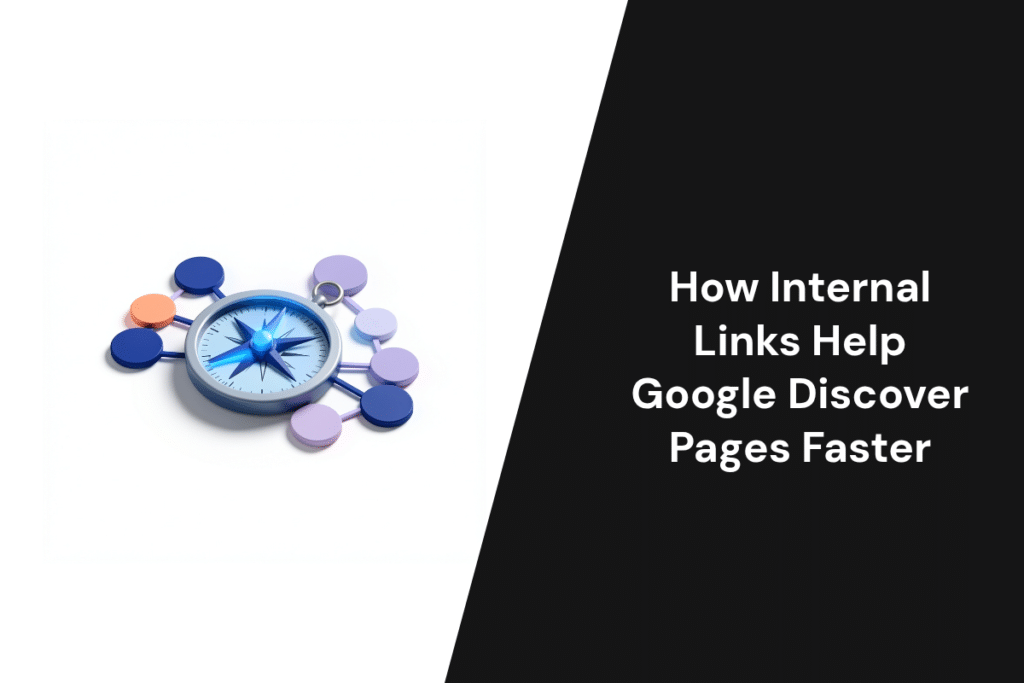
Internal links help Google discover pages because Googlebot finds most new URLs by pulling links out of pages it already knows. A link adds a URL to…
Yes, Google renders JavaScript. Googlebot first crawls the raw HTML, then puts the page in a render queue, where a headless, up-to-date Chromium runs the…
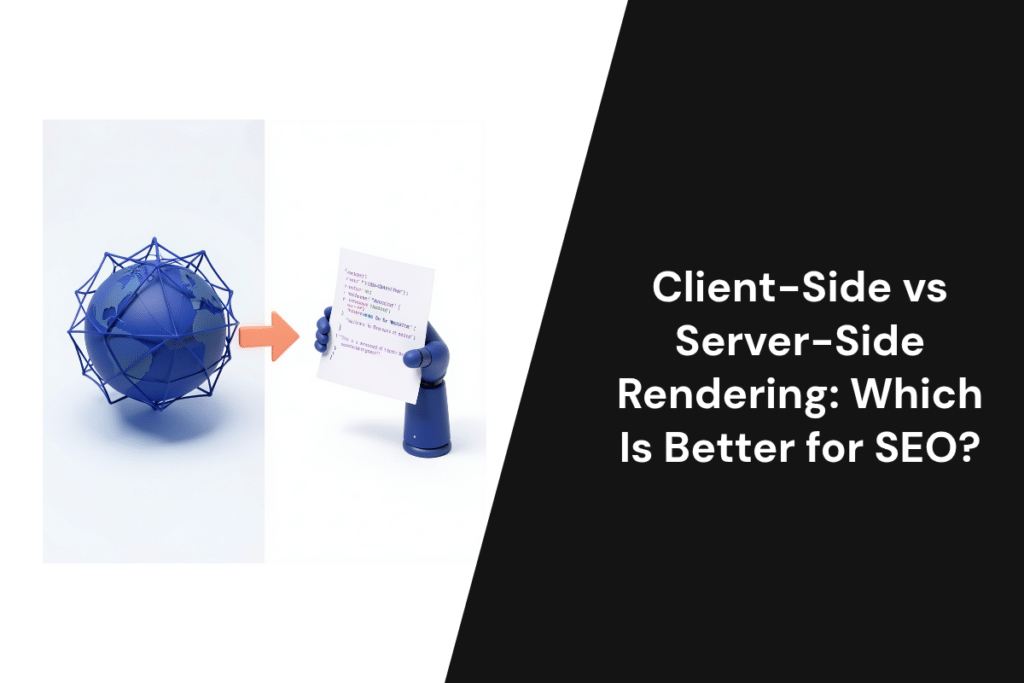
Server-side rendering (SSR) is better for SEO on any page you want found, because Google, AI crawlers and social bots get the full HTML on the first…
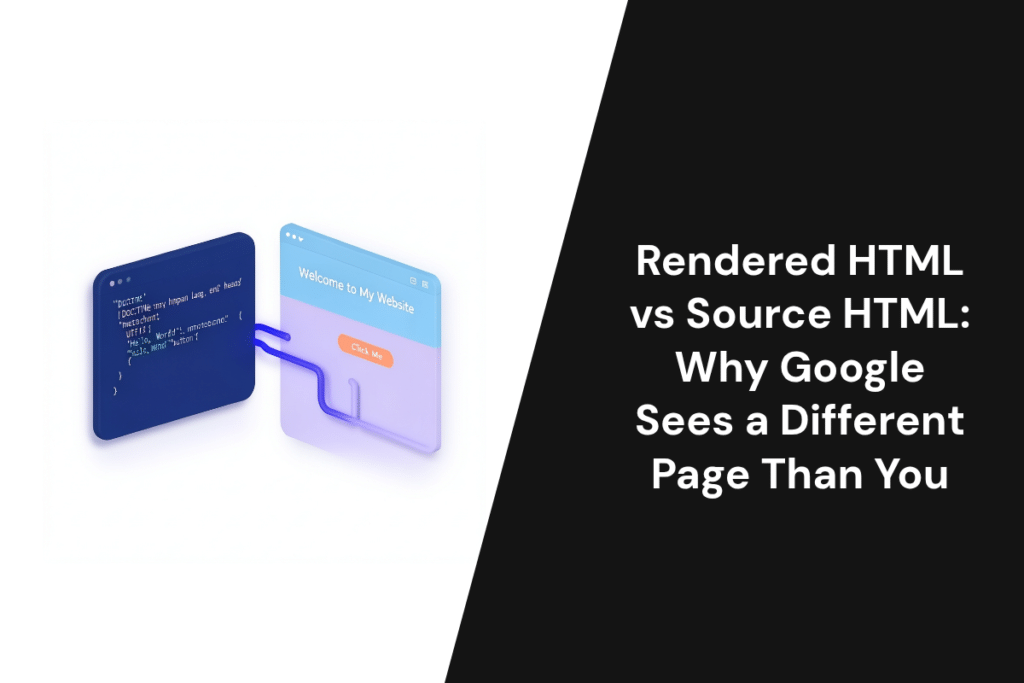
Google judges your page by what it looks like after JavaScript runs, not by the file your server first sends. That first file is the source HTML. The…