
Creating Brand Animation Guidelines: Bringing Motion & Consistency to Life
Introduction
In the evolving digital landscape, brand animation guidelines are emerging as a cornerstone of cohesive and recognizable brand identity. As brands increasingly leverage motion graphics, animated logos, and kinetic typography, consistency across these assets becomes as crucial as traditional visual elements like color and typography. Motion branding standards are not merely aesthetic; they are strategic tools that ensure every moving part of a brand feels intentional, aligned, and on-brand.
According to a study by Renderforest, consistent brand presentation across all platforms increases revenue by up to 23%. Yet, without animation-specific rules, teams often struggle with disjointed motion visuals, conflicting interpretations of tone, or inefficient production cycles. Semantic triples like “animation defines identity,” “motion drives engagement,” and “guidelines reduce ambiguity” define the purpose and necessity of structured animation rules.
For brands deeply invested in their Visual Branding & Design, setting motion standards is the next logical step. It’s not just about how your brand looks—it’s about how it moves, feels, and responds in every interaction.
This guide explores every layer—from core components and best practices to real-world implementation—for crafting guidelines that bring your brand to life through movement.
Why Brand Animation Guidelines Matter
In a world where static branding no longer suffices, brand animation guidelines ensure every motion asset contributes to a unified visual story. They are not just helpful—they are vital for brand integrity, operational efficiency, and audience recognition.
Consistency Across All Touchpoints
Imagine your animated logo appearing differently across your YouTube intro, product video, and Instagram Reels. Discrepancies like these dilute brand trust. With defined rules for motion behavior, transitions, and speed, guidelines ensure harmony whether on mobile or desktop, social or internal decks.
“According to Adobe’s Brand Consistency Report, 60% of brand managers say inconsistent branding undermines customer trust.”
Speed and Scalability
Teams without motion standards often reinvent the wheel with every project—wasting hours adjusting timing, testing file types, or sourcing assets. Animation branding structure cuts that down drastically.
“We went from 20 back-and-forths to just two rounds of animation review after launching our motion guide.”
— Creative Ops Lead, DTC Apparel Brand
Better Creative Collaboration
When freelancers, agencies, and in-house teams all refer to the same guide, expectations are aligned. This eliminates subjective feedback like “make it pop” and replaces it with clear directives like “use a 300ms elastic easing for logo transitions.”
Key Components of Effective Animation Guidelines
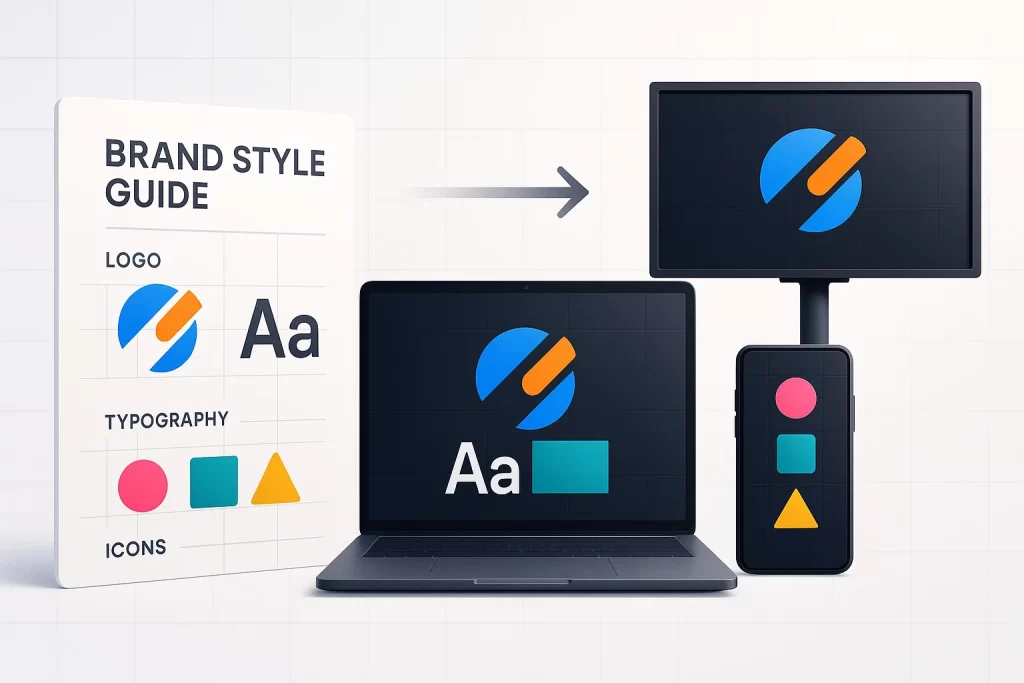
Animation guidelines differ from general brand books because they must cover timing, movement, and even emotion. Here’s how to structure them for maximum clarity and usability.
Animation Style and Tone
What is the emotional DNA of your brand’s motion? Should your animations feel playful, luxurious, energetic, or calm? Define this early using examples like moodboards, tone descriptors, and motion analogies.
“Your motion tone is your brand’s body language.” — ManvsMachine Studio
Brand Assets & Resource Library
Create a centralized library of reusable assets: animated logos, lower thirds, swipe transitions, button hovers. Ensure these include color-coded variants (e.g., dark mode), pixel dimensions, and file naming conventions.
Solving Key Challenges: Designers waste time re-creating the same animated CTA buttons repeatedly.
Technical Specs & Delivery Formats
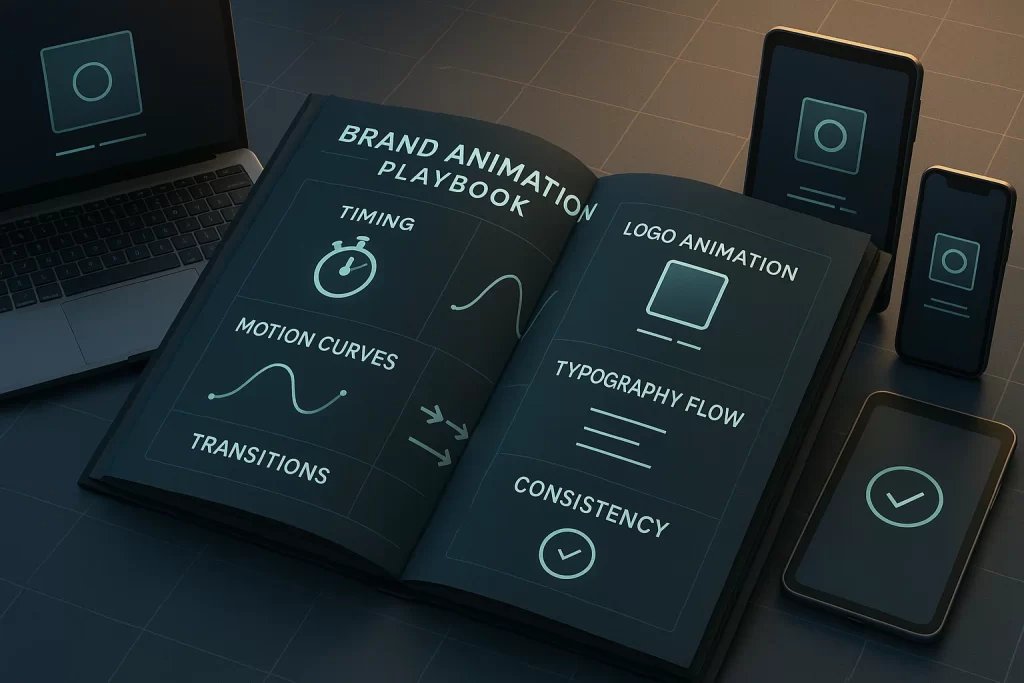
Specify exact settings for different use cases:
- Frame rate: 24fps for digital, 30fps for broadcast
- File formats: .mov (transparent), .mp4 (social), .json (Lottie)
- Aspect ratios: 16:9, 9:16, 1:1
Include render profiles, bitrate ranges, and naming templates like brandname-logo-reveal-v2.mov.
Dos and Don’ts
Side-by-side examples clarify ambiguous interpretations better than text alone:
- Use elastic easing for brand reveals
- Avoid bounce or spin transitions unless specified
- Animate in under 1.5s for hero brand lockup
How to Build (and Use) Animation Guidelines
Developing robust brand animation guidelines isn’t just about documentation—it’s a strategic process of analysis, design, alignment, and rollout. The steps below guide you from scattered motion assets to a structured system that scales with your brand.
Step 1: Audit Existing Motion Assets
Start by analyzing every instance of motion your brand currently uses. This includes animated logos, product videos, social media content, onboarding sequences, UI transitions, explainer animations, and ads.
Create a shared spreadsheet with columns like:
- Animation name
- Platform used (YouTube, website, internal)
- Duration
- Tone/mood
- Animation type (logo reveal, CTA, explainer)
- Inconsistencies or issues noted
You’ll likely uncover a trail of mismatched pacing, color issues, or tone shifts that confuse the viewer. This audit sets the foundation for what needs unifying.
Step 2: Define Your Brand’s Motion Narrative
What does your brand sound and feel like—when it moves? Think of this as the heartbeat of your motion identity. Build a tone framework around brand attributes:
- Is it elegant or energetic?
- Calm or kinetic?
- Playful or premium?
Use a scale from 1–5 for each attribute. This helps guide animators when translating emotion into motion behaviors—like bounce, zoom, fade, or curve speed.
Include sample moodboards or motion references (e.g., a slick Tesla UI animation, a playful Mailchimp mascot loop) to build creative alignment.
Step 3: Design and Document the Guidelines
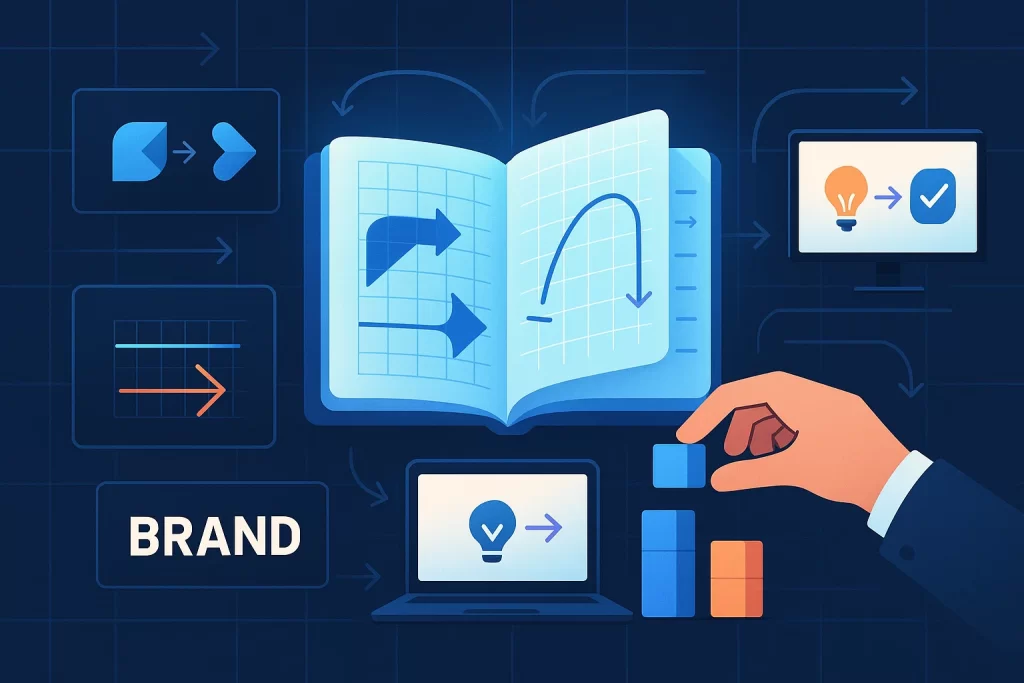
Once your narrative is defined, begin creating visual examples and standardized specs. Break the document into clear sections:
- Logo animations (length, easing type, intro/outro rules)
- Typography treatments (how text animates in, delays)
- Transition guidelines (slide, fade, zoom — with timing rules)
- Interaction motion (hover, click, drag, swipe)
Use real examples from your audit and redesign them to be on-brand. Include source files or .json Lottie exports when possible.
Solving Key Challenges: Many teams struggle with “where to even start” when writing animation documentation. This section provides a blueprint.
“Our designers finally had something to point to beyond just ‘use common sense’—and that changed everything.” — Brand manager, startup in motion tech
Step 4: Train and Deploy Internally
A beautiful motion guideline is worthless if your team doesn’t know it exists—or how to use it.
Host internal sessions that walk creatives, marketers, and even leadership through the guideline:
- Share example use cases
- Highlight what to never do
- Offer “quick-start” templates or kits
Use tools like Notion, Figma libraries, or internal LMS platforms to embed interactive elements. Encourage questions and revisions early on—this builds buy-in.
Real-World Examples & Expert Takeaways
The theory behind animation guidelines becomes far more impactful when we see it in action. Here are examples of brands that implemented structured motion systems—and the tangible results they achieved.
Brand Case Study 1: Fintech Startup Cuts Production Time by 40%
A Dubai-based fintech firm introduced their first motion branding guide after a year of creative inconsistencies. Their animation team had struggled with varied logo intro speeds, unsynced sound cues, and misaligned product demo transitions.
After auditing over 100 assets, they developed a lean but detailed set of motion branding standards, covering:
- Logo reveal duration (1.2s, linear fade-in)
- Use of easing curves (cubic-bezier in UI transitions)
- Restrictions on bounce/rotate effects
The result?
“Our team reduced animation revision rounds by half. Project turnaround time dropped by nearly 40%.”
— Creative Director, Fintech Brand X
Brand Case Study 2: E-commerce Company Scales Without Chaos
An e-commerce fashion retailer rapidly scaled to 4 regions—and 12 freelancers—in a span of six months. With no animation consistency, their social campaigns looked disjointed across markets.
They rolled out a 20-page motion system document that included:
- Regional color variants with Lottie JSON exports
- Pre-built text reveal templates
- “No-no” reel of banned transitions
Freelancers immediately had a clear path to deliver faster and on-brand.
Expert Insight
“Animation guidelines are like choreography for your brand’s movement. Without it, everyone dances to their own tune.”
— Matthew Encina, Creative Director (formerly at Blind/Adobe)
Motion guidelines shouldn’t stifle creativity—they channel it.
Imaginary Anecdote:
A junior animator once shared how she used to panic over every new social video:
“I always worried I was guessing wrong. The new motion style guide felt like guardrails instead of handcuffs. Now I enjoy the creative process again.”
FAQ
This section addresses common questions gathered from user research, Reddit threads, and long-tail keyword data. Each answer includes practical takeaways, uses conversational yet professional language, and integrates your SEO strategy.
1. How long should brand animation guidelines be?
There’s no magic number, but most effective animation guidelines range from 10 to 30 pages depending on brand complexity. The goal is clarity, not length.
Tip: Include video links or embedded Lottie previews to keep engagement high.
2. Can small businesses benefit from motion branding guidelines?
Absolutely. In fact, smaller teams often benefit the most. A well-documented system saves time, ensures visual continuity, and sets your brand apart from the competition—even with limited resources.
Even a one-page “motion memo” with logo reveal timing, preferred transitions, and file naming rules can make a difference.
“We had no internal animator, but the freelancer we hired said our style doc made his job 5x easier.” — Marketing Manager, boutique coffee brand
3. What’s the easiest way to organize a motion asset library?
Create structured folders like:
- /Logo_Animations
- /Social_Templates
- /Onboarding_Sequences
- /Lottie_Exports
- /Documentation_PDF
Use consistent file naming: brand-motion-usecase-v1.mov
Host on Google Drive, Dropbox, or motion-focused DAM platforms like Frame.io.
4. What tools do animators use to follow brand guidelines?
Popular tools include:
- Adobe After Effects (industry standard for detailed animation)
- Lottie & Bodymovin (for web/mobile-friendly JSON animations)
- Rive (interactive real-time animation)
- Figma (to host and review visual design rules)
- Notion or Zeroheight (to publish style guides)
5. How often should we revisit our animation guidelines?
Review your guidelines:
- Quarterly for fast-moving brands or startups
- Bi-annually for stable, established design systems
Update when:
- You launch a rebrand
- Your motion toolkit grows
- You add new platforms (e.g., TikTok, AR filters)
Conclusion
In a world of hyper-visual content, motion is no longer optional—it’s a core brand element. Without clear rules for how your brand moves, you risk diluting the very identity you’ve worked hard to build.
By implementing brand animation guidelines, you’re doing more than creating pretty visuals—you’re aligning your entire creative process, streamlining collaboration, and elevating your brand’s storytelling power. From defining tone to organizing assets and empowering teams, this guide has shown you how to craft a living document that drives consistency and creativity alike.
For brands that already invest in Visual Branding & Design, animation guidelines are the next step toward complete visual harmony.